Network Management
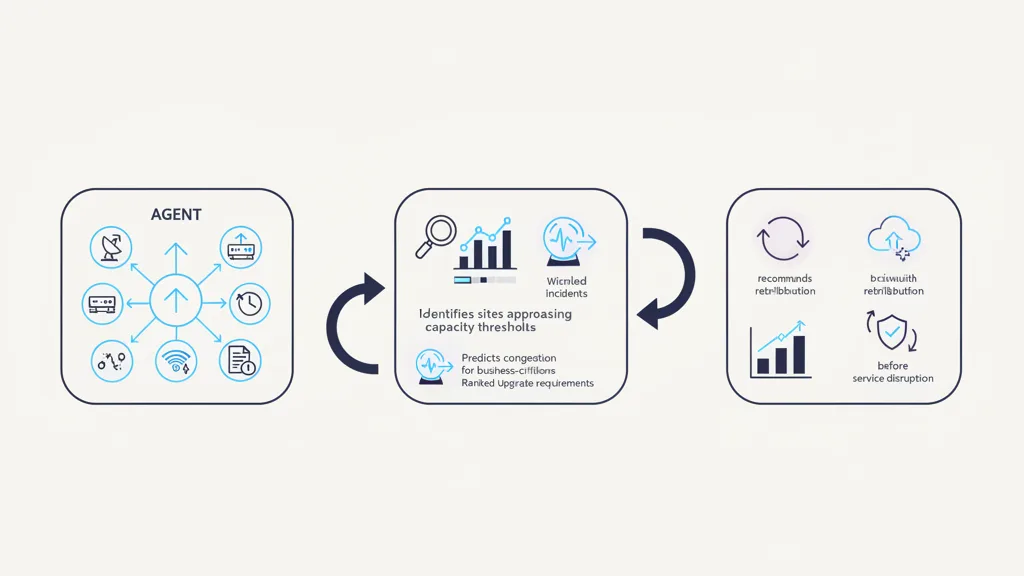
LAN/WAN Network Capacity Forecasting & Congestion Prevention
Aggregate multiple monitoring tools into a single-pane-of-glass view; provide predictive analysis of risks and failures in the enterprise network.
View ApplicationNetwork Management · App Design
AI identifies and removes unused firewall rules and VPN tunnels to optimize security posture.
Built for: CISO / VP Network Security
End-to-end workflow
Stages come from the reference scenario for this application. Each is tagged by who performs it: agent reasoning, governed automation, or human control.
Agent analyzes Palo Alto and Fortinet firewall policies, rule hit counts, VPN session logs and network flows
Agent reasoning
Identifies shadowed rules, inactive tunnels and outdated access paths
Agent reasoning
Validates application dependencies
Governed automation
Recommends cleanup
Agent reasoning
Routes changes for security approval
Human control
Removes approved configurations and verifies connectivity
Human control
Data sources used in the reference workflow. Integration approach, authentication and permitted actions are assessed for each deployment.
Measures to baseline before a pilot and track afterwards. Fynite does not publish projected results for this application.
Specific platform controls are confirmed against Fynite's security documentation during evaluation.
Questions
AI identifies and removes unused firewall rules and VPN tunnels to optimize security posture. In the reference scenario: Agent analyzes Palo Alto and Fortinet firewall policies, rule hit counts, VPN session logs and network flows → identifies shadowed rules, inactive tunnels and outdated access paths → validates application dependencies → recommends cleanup → routes changes for security approval → removes approved configurations and verifies connectivity.
Have another question? Use the assistant in the corner of this page — it knows this application's details.
Related applications
Network Management
Aggregate multiple monitoring tools into a single-pane-of-glass view; provide predictive analysis of risks and failures in the enterprise network.
View Application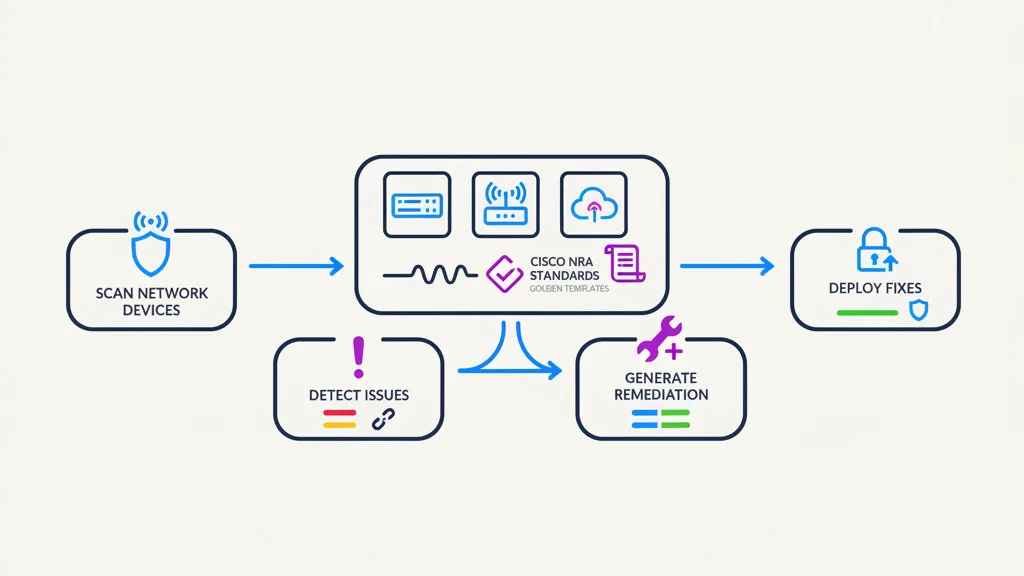
Network Management
Scan network devices (switches, routers, controllers) against CISCO NRA standards and auto-remediate to golden configuration.
View Application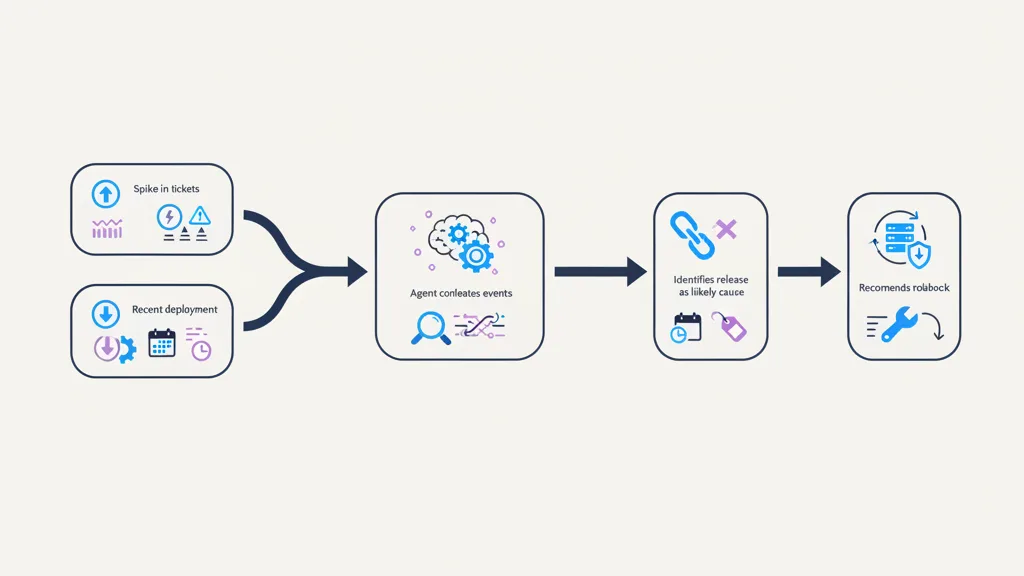
IT Service Management
Correlates monitoring alerts, incidents, changes and infrastructure data; proposes likely root cause and remediation.
View ApplicationStart with the outcome
Start from an existing enterprise application or bring your own requirements. See how Fynite can connect your systems, deploy reasoning agents, and turn complex work into governed execution.